

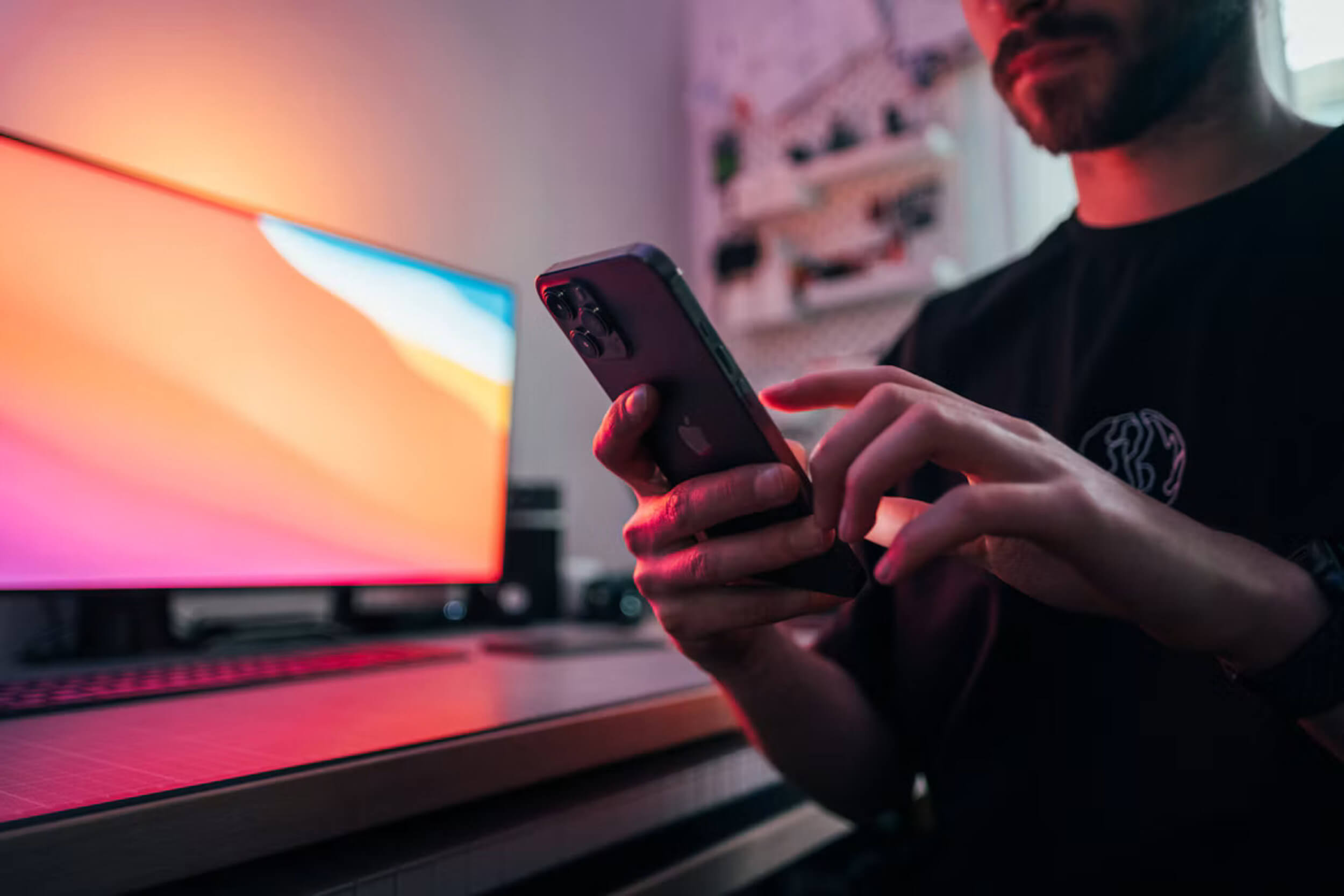

You pick up your phone to check the weather. A few taps later, you’re watching a video you never meant to open. By the time you put your phone down, you may have forgotten why you picked it up.

That familiar moment can leave you wondering where the time went. Yet your phone also helps you get through the day. You use it to message people you care about, handle work, look up information, and relax when you have a spare moment.
If you’re wondering how to make your phone less distracting, you don’t need to give up those useful or enjoyable parts. The aim is to keep what matters to you while making it easier to avoid the distractions that pull you away from other things.
A few small changes can help. The way you arrange your apps, manage alerts, and use your phone during the day can give you more choice. You may find it easier to check the weather and then get on with your day.
Understand What Draws You In
You might reach for your phone while waiting for an appointment, taking a break, or putting off a task you don’t want to start. Sometimes, you may not even notice you’ve picked it up until an app is already open.
For a day or two, pay attention to those moments. What were you doing just before you reached for your phone? Were you looking for a break, something interesting, or a way to put off a task?
Your phone’s screen time report can offer another clue. It shows how much time you spend on different apps. The numbers aren’t a score, so there’s no need to judge yourself for them. They simply give you a clearer picture of where your time goes.
It also helps to notice how you feel afterward. Does the time leave you feeling informed, connected, entertained, or frustrated?
For example, you might enjoy watching a cooking video and saving a recipe for dinner. Then another clip starts, followed by a few that have nothing to do with cooking. Before you know it, your break is over.
Once you understand when that happens, you can choose a change that fits the situation and still enjoy the videos you like.
Make Your Phone Easier to Use With Purpose
The first things you see when you unlock your phone can shape what you do next. If your home screen is full of apps that catch your eye, it may be easy to open one before you’ve done what you came for.
A few changes to that screen can make your useful tools easier to reach and give you more control over the rest.
Create a Home Screen That Supports Your Needs
Think about the apps you reach for throughout the day. You might use maps to find your way, your calendar to check appointments, or your camera to take photos. Keeping those tools on your home screen can help you find them quickly.
Then look at the apps that often lead you into browsing when you had planned to do something else. You could move them to another screen or place them in a folder. They’ll still be on your phone whenever you want them, but they won’t be the first things you see.
There’s no need to aim for a certain number of apps or copy someone else’s setup. Your home screen should fit your day. A person who uses their phone for work may need different apps close at hand from someone who mainly uses it to stay in touch with family.
Make Unplanned Browsing Less Automatic
You can also change how you open an app that tends to pull you in. Instead of tapping its icon straight away, try using your phone’s search feature to find it. That extra step gives you a moment to ask yourself if you want to open it right now.
If you’d like a stronger boundary, you could sign out after using the app. You could also remove the app from your phone while keeping your account, so you can still use it later. Check the app’s instructions first if you’re unsure what removing it will do.
The point is to give yourself a choice. If you decide to spend a break watching videos or catching up with friends, that’s fine. You get to choose when to open the app.
Go Straight to the Task You Need
Your phone may offer shortcuts that help you get things done without opening a full app. For example, you might be able to open the camera from your lock screen when you want to take a photo.
A calendar widget can also show your next appointment on your home screen. That means you can check the time without looking through other apps first.
The features available depend on your phone and its settings. Take a few minutes to see which shortcuts are useful for the things you do often.
Reduce Interruptions Without Missing What Matters
A notification can arrive while you’re talking to someone, working, or resting. Even a quick glance may pull your attention away from what you were doing.
You don’t have to turn off every alert. Start by looking at your phone’s notification settings and reviewing them one app at a time. You may find messages you don’t need right away, such as sale announcements or reminders to open an app.
Keep the alerts that help you stay on top of important things. These might include:
- Calls or messages from family.
- Updates you need for work.
- Health reminders or appointment notices.
- Messages about someone in your care.
Your needs may change during the day. If you’re doing something that needs your attention, your phone’s silent or focus settings may help reduce interruptions for a while. Check how those settings work on your device and whether you can allow calls or messages from important contacts. Test your settings before relying on them.
It’s also understandable to worry about missing a message. For messages that don’t need an immediate reply, choose a time to check that works for you. You might look during a break or after you finish a task.
Your work or family responsibilities may require you to stay available, and that’s okay. The aim is to make room for the alerts you need while cutting down on the ones that can wait.
Set Boundaries That Fit Your Day
A boundary doesn’t have to mean putting your phone away for hours. It can be a small choice that helps you focus on what you’re doing while leaving room for calls, messages, and activities you enjoy. Choose what works for your day, and give yourself permission to adjust it when you need to.
Give Certain Moments Your Full Attention
Think of an activity you’d like to enjoy or finish with fewer interruptions. It might be dinner with your family, a few pages of a book, or a work task that needs your attention.
During that time, try placing your phone out of reach. If you’d rather keep it nearby, putting it face down may help you focus on the activity in front of you.
Your circumstances matter, too. If you care for someone or are expecting an important call, leaving your phone in another room may not be practical. You might prefer to keep it beside you while giving your attention to the person or task in front of you.
Start with a boundary that feels manageable. Even one meal or a short reading break can give you a chance to enjoy the moment without checking your phone.
Create a More Restful Evening Routine
You settle into bed and open a video, thinking you’ll watch for a few minutes. Then another one catches your eye, and bedtime slips later than you planned.
If that sounds familiar, choose a time in the evening to put your phone down. You could charge it on a table or shelf where you’re less likely to reach for it while settling in.
If you use your phone as an alarm, try placing it a little farther from the bed. A separate alarm clock is another option if you already have one or prefer to use one.
Your phone doesn’t have to leave the bedroom. The goal is to find an arrangement that helps you get the rest you need.
Leave Room for Enjoyable Phone Use
Your phone can be a source of fun, too. Playing a game, watching videos, or sharing a laugh with friends online can be a welcome part of your day.
Before you start, consider how much time you’d like to spend on the activity. If you find it helpful, set a timer to remind you when that time is up. You can then decide whether you’re ready to stop or want a little longer.
There’s no need to remove every app you enjoy. Making space for entertainment can be part of a phone routine that feels good to you.
Conclusion
Making your phone less distracting doesn’t mean giving it up or changing everything at once. Your phone can still help you stay connected, take care of responsibilities, and enjoy a well-earned break.
Start with the part of your day that frustrates you. Perhaps you keep opening an app when you’re trying to work, or you stay up later than you meant to because you’re watching videos. Choose one change that might help with that situation and try it for a few days.
Then notice how it feels. Is it making the moment easier, or is it getting in the way of something important? If it isn’t helping, adjust it or try another approach. You don’t need to follow a rule simply because it works for someone else.
A useful balance will look different for everyone. What matters is finding a way to use your phone that supports your responsibilities, gives you time for the people you care about, and leaves room for the things you enjoy.